
iPilot Remote Control Manual: A Comprehensive Guide
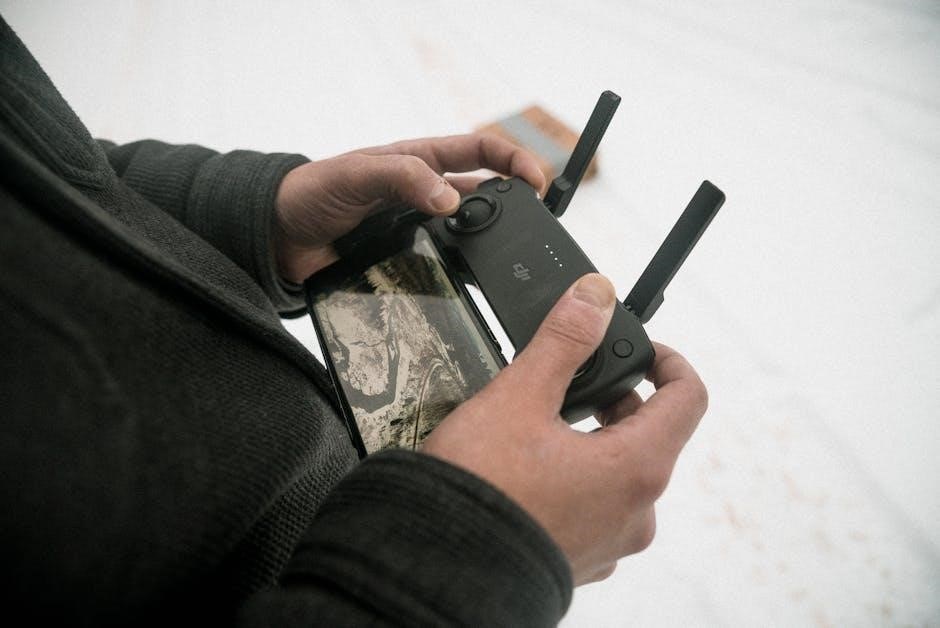
This manual details the iPilot remote’s functions, encompassing speed, steering, GPS, and menu navigation. It provides insights into LCD screen displays and auto-deploy features.
The iPilot remote represents a significant advancement in boating control technology, offering anglers unprecedented command over their Minn Kota motors. This intuitive device streamlines operation, providing effortless navigation and precise positioning. Featuring an enhanced LCD screen – 33% larger and fully sunlight-readable – the iPilot remote delivers instant feedback on crucial motor functions.
Users gain real-time insights into speed, prop on/off status, battery power levels, and GPS signal strength. Ergonomic button placement and expanded menu navigation contribute to a more user-friendly experience. Beyond basic controls, the iPilot remote empowers boaters with features like Auto Stow/Deploy and Power Trim adjustments, enhancing convenience and efficiency on the water. It’s a pivotal component for modern boating, simplifying complex tasks.
Understanding the iPilot System
The iPilot system seamlessly integrates with compatible Minn Kota motors, transforming the boating experience. It’s more than just a remote; it’s a sophisticated control network. The system leverages GPS technology for precise location tracking and automated features like i-Tracks, allowing users to record and retrace fishing routes. Understanding the interplay between the remote, motor, and GPS is key to unlocking its full potential.
The iPilot system provides a comprehensive suite of controls, including speed adjustment, steering, and automated functions. It offers instant feedback via the LCD screen, displaying critical information like battery life and signal strength. Distinguishing between iPilot and iPilot Link is crucial; iPilot Link adds smartphone connectivity for extended control options. Mastering this system enhances efficiency and enjoyment on the water.
Remote Control Overview
The iPilot remote boasts an ergonomic design, prioritizing user comfort and intuitive operation. A larger LCD screen, fully viewable in sunlight, presents vital information at a glance – speed, battery levels, GPS signal strength, and active functions. The control layout is divided into distinct sections: manual controls for immediate adjustments, menu navigation buttons for accessing settings, and dedicated buttons for features like Auto Stow/Deploy and Power Trim.
The remote’s buttons are strategically placed for easy access, even in challenging conditions. Understanding the function of each button is essential for efficient operation. The system provides instant feedback, confirming each command through the LCD display. Regular maintenance, including cleaning and proper storage, ensures the remote’s longevity and reliable performance.
Key Features and Benefits
The iPilot remote unlocks a suite of advanced features, enhancing the boating experience. Key benefits include precise speed control, effortless steering, and seamless access to GPS-enabled navigation. Auto Stow/Deploy functionality simplifies motor management, while Power Trim control optimizes performance. The expanded menu navigation and intuitive controls make operation straightforward, even for novice users.
Instant feedback on active functions, speed, prop status, battery power, and GPS signal strength keeps boaters informed. Compatibility with various Minn Kota motors expands usability. For Ulterra models, the remote offers specialized controls. The iPilot system delivers unparalleled convenience, control, and peace of mind on the water, transforming every outing.
Powering On and Off
To power on the iPilot remote, simply press and hold the power button until the LCD screen illuminates. The screen will display system information, including battery levels and GPS signal strength. Ensure the motor is properly connected and within range for optimal functionality. To power off the remote, repeat the process – press and hold the power button until the screen goes blank.
It’s crucial to power off the remote when not in use to conserve battery life. Avoid prolonged exposure to direct sunlight or extreme temperatures, which can affect performance. Regularly check the remote’s power status to prevent unexpected interruptions during operation. Proper power management ensures reliable control and extends the remote’s lifespan.
Battery Information and Management
The iPilot remote utilizes standard batteries, typically AA alkaline or lithium batteries, to power its functions. Battery life varies depending on usage patterns and environmental conditions. The LCD screen displays a battery level indicator, providing real-time feedback on remaining power. It’s recommended to use high-quality batteries for optimal performance and longevity.
To maximize battery life, power off the remote when not in use and avoid leaving it in extreme temperatures. Replace batteries promptly when the low battery indicator appears. Incorrect battery installation can damage the remote, so ensure proper polarity. Regularly inspect the battery compartment for corrosion and clean if necessary. Proper battery management ensures consistent operation.
Basic Operation: Speed Control
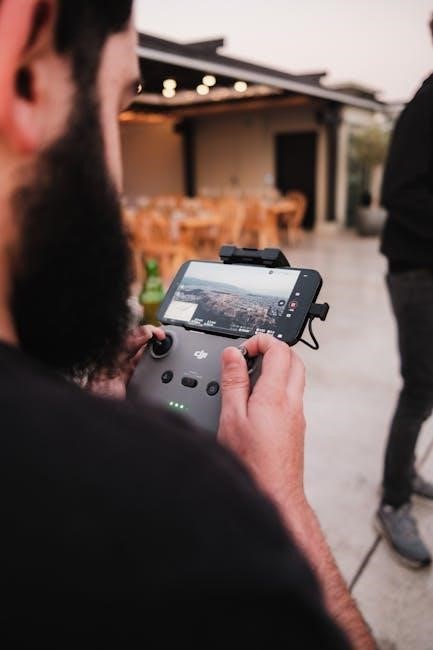
Speed control on the iPilot remote is intuitive and precise, allowing for adjustments from very slow to maximum speed. The “Increase” and “Decrease” buttons, prominently located on the remote’s face, facilitate incremental speed changes. The LCD screen displays the current speed setting, providing clear visual feedback. Users can fine-tune speed for various fishing techniques and conditions.
Pressing and holding the speed control buttons enables faster adjustments. The remote remembers the last used speed setting, offering convenience for repeated use. It’s crucial to start with lower speeds and gradually increase as needed, especially in congested waters. Understanding the speed control allows for precise boat maneuvering and effective fishing.
Steering and Directional Control
The iPilot remote offers responsive and accurate steering control, enabling precise boat maneuvering. Directional control is managed via intuitive buttons – typically marked with arrows – allowing for turns to port (left) and starboard (right). Gentle presses result in gradual turns, while firmer presses initiate quicker directional changes. The LCD screen often displays a compass heading, aiding in maintaining a desired course.
Steering responsiveness can be adjusted within the remote’s settings, catering to individual preferences and boating conditions. It’s important to practice steering in an open area to become familiar with the remote’s sensitivity. Smooth, controlled steering is essential for safe and effective boat operation, particularly when fishing or navigating challenging waters.
Menu Navigation and Settings
Accessing the iPilot remote’s menu unlocks a range of customizable settings. Navigation is typically achieved using dedicated menu buttons – often labeled ‘Menu’ or featuring arrow icons – and a selection button. The LCD screen displays menu options, allowing users to scroll through settings like speed control sensitivity, steering responsiveness, and GPS preferences.
Within the settings, you can adjust units of measurement (e.g., mph or km/h), calibrate the compass, and configure auto-pilot features. Saving customized settings ensures consistent performance. Familiarize yourself with the menu structure to optimize the iPilot system for your specific boating needs and conditions. The expanded menu navigation on newer models enhances usability.
Understanding the LCD Screen Display
The iPilot remote’s LCD screen provides crucial real-time information; Key indicators include current speed, motor battery voltage, and GPS signal strength. An icon displays whether the prop is engaged or disengaged. Active functions, such as Auto Stow/Deploy or Power Trim, are clearly indicated. The larger, sunlight-viewable screen on newer models enhances readability.

Pay attention to the GPS signal strength indicator – a weak signal may affect navigational accuracy. The screen also displays the current time and, when applicable, the status of linked Humminbird fishfinders. Understanding these visual cues allows for informed operation and troubleshooting. Instant feedback on all functions is a core benefit.
Auto Stow/Deploy Functionality
The iPilot remote offers convenient Auto Stow and Deploy features, streamlining motor management. These functions, controlled directly from the remote, raise or lower the trolling motor with a simple button press. This is particularly useful in shallow or obstructed waters, preventing prop damage. The LCD screen confirms the motor’s status during operation.
Auto Stow automatically retracts the motor upon encountering resistance, safeguarding against underwater obstacles. Deploy lowers the motor to the pre-set depth. Utilizing these features enhances boating safety and efficiency. Ulterra models integrate this functionality seamlessly with the iPilot system, offering advanced control options. Always verify clear water before deploying or stowing.
Power Trim Control
The iPilot remote enables precise Power Trim control, allowing anglers to optimize motor depth for varying conditions. Adjusting the trim enhances boat performance and fuel efficiency by minimizing drag. This feature is crucial for maintaining optimal speed and maneuverability. The remote’s intuitive controls facilitate quick and easy adjustments while on the water.
Power Trim raises or lowers the motor’s lower unit, impacting propeller depth. Fine-tuning the trim improves handling in different sea states and allows for precise positioning. The LCD screen displays the current trim setting, providing real-time feedback. Ulterra motors benefit from integrated Power Trim control via the iPilot system, offering enhanced responsiveness and accuracy.
GPS Signal and Navigation
The iPilot remote leverages GPS technology for advanced navigation features, enabling anglers to precisely control their boat’s position and movement. This system allows for features like Spot-Lock, which holds the boat steady in a desired location, and AutoTrack, which records and replays fishing routes. Accurate GPS signal reception is vital for optimal performance.
The remote displays GPS signal strength indicators, informing users of the connection quality. Strong signals ensure reliable navigation and feature functionality. Interference or obstructions can weaken the signal, impacting accuracy. Understanding these indicators helps anglers maintain consistent GPS connectivity. The iPilot system integrates seamlessly with Humminbird fish finders for enhanced mapping and navigation capabilities.
Understanding GPS Signal Strength Indicators
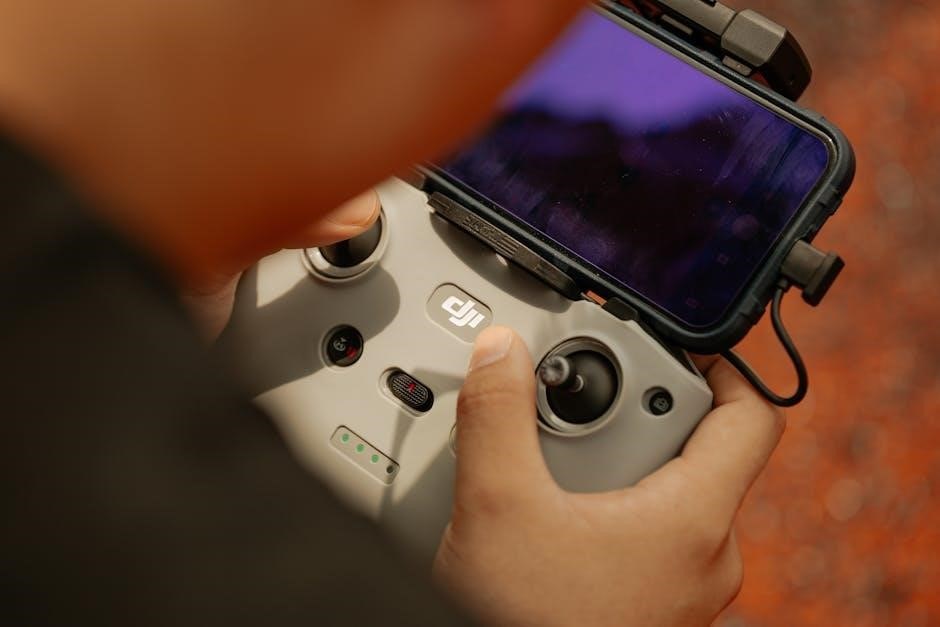
The iPilot remote’s LCD screen prominently displays GPS signal strength, crucial for reliable navigation and feature operation. Typically, this is represented by a series of bars or a percentage, indicating the quality of the satellite connection. Fewer bars or a lower percentage signify a weaker signal, potentially impacting Spot-Lock accuracy or AutoTrack performance.
Factors like weather conditions, surrounding terrain (buildings, trees), and satellite availability can influence signal strength. A solid, consistent signal is essential for precise boat control. If the signal is weak, attempt to reposition the boat or ensure a clear view of the sky. The remote provides instant feedback, allowing anglers to quickly assess and address any GPS connectivity issues for a seamless fishing experience.
Troubleshooting Common Issues
Encountering issues with your iPilot remote? Several common problems have straightforward solutions. If the remote isn’t responding, first check the battery level and ensure it’s properly paired with the motor. Interference from other electronic devices can sometimes disrupt the connection; try moving away from potential sources. A weak GPS signal can affect functionality, so verify clear sky visibility.
If the motor isn’t responding to speed or steering commands, confirm the prop switch is engaged. For Ulterra models, ensure the motor is fully deployed. Regularly cleaning the remote’s contacts and LCD screen can resolve display issues. If problems persist, consult the full manual or contact Minn Kota customer support for further assistance and potential software updates.
Remote Control Not Responding
If your iPilot remote fails to respond, begin with basic checks. Confirm the remote has sufficient battery power – low batteries are a frequent cause. Ensure the power switch is firmly in the ‘ON’ position. Next, verify the remote is correctly paired with your Minn Kota motor; re-pairing may be necessary. Check for potential interference from other wireless devices nearby, as these can disrupt the signal.
A weak or absent GPS signal won’t prevent basic control, but impacts iPilot features. Try cycling the power on both the remote and the motor. If the issue persists, inspect the remote’s contacts for dirt or corrosion. Finally, consult the full iPilot manual for advanced troubleshooting steps or contact Minn Kota support.
Compatibility with Minn Kota Motors
The iPilot remote control system is designed for seamless integration with a wide range of Minn Kota electric trolling motors. Compatibility extends across various models, including PowerDrive, Riptide, and Ulterra series. However, specific feature availability may vary depending on the motor model and its manufacturing year. Older motors might require an updated receiver or software for full functionality.
Ensure your motor is equipped with the necessary iPilot receiver unit. The remote communicates wirelessly with this receiver. Refer to Minn Kota’s compatibility charts on their official website to confirm support for your specific motor. Always prioritize using a compatible iPilot version to guarantee optimal performance and access to all features.
Ulterra Motor Specific Controls
When paired with an Ulterra trolling motor, the iPilot remote unlocks exclusive functionalities beyond standard operation. These include advanced auto-stow and deploy features, optimized for the Ulterra’s integrated system. The LCD screen provides dedicated feedback on Ulterra-specific settings, like shaft rotation and stow/deploy status.
Ulterra motors benefit from enhanced power trim control via the remote, allowing precise adjustments for optimal boat handling. The remote also manages the Ulterra’s unique GPS-enabled features, such as Jog and Heading Lock, with dedicated buttons for quick access. Ensure the remote software is updated to the latest version to fully utilize these Ulterra-specific controls and enjoy a superior boating experience.

iPilot vs. iPilot Link: Key Differences
The iPilot system represents Minn Kota’s foundational smart trolling motor control, offering features like Spot-Lock, AutoPilot, and pre-set speed control via a dedicated remote. iPilot Link, however, elevates this experience through seamless integration with Humminbird fish finders and the One-Boat Network.
iPilot Link allows users to control iPilot functions directly from their Humminbird unit, mirroring remote commands on the fish finder’s touchscreen. This eliminates the need for a separate remote and provides a centralized control hub. Furthermore, iPilot Link enables advanced features like shared sonar and coordinated trolling between networked devices. While iPilot offers robust control, iPilot Link delivers a more connected and integrated boating experience.

Safety Precautions and Warnings
Always maintain a safe boating speed and be aware of your surroundings when utilizing iPilot features. Never rely solely on automated functions; remain vigilant and prepared to manually override controls if necessary. Ensure the remote is securely held and protected from water damage, as malfunction could lead to loss of steering or propulsion.
Before operating, verify the motor is properly installed and all safety features are functioning correctly. Avoid using iPilot in congested waterways or adverse weather conditions. Familiarize yourself with the emergency stop procedures and keep the remote within easy reach. Disconnect the battery when the motor is not in use to prevent accidental activation. Prioritize safety and responsible operation at all times.
Remote Control Maintenance
To ensure optimal performance and longevity of your iPilot remote, regular maintenance is crucial. After each use, especially in saltwater environments, thoroughly rinse the remote with fresh water to remove any corrosive residue. Gently wipe down the exterior with a soft, damp cloth. Avoid using harsh chemicals or abrasive cleaners, as these can damage the LCD screen and buttons.
Periodically inspect the battery compartment for corrosion and ensure the battery cover is securely fastened. Store the remote in a cool, dry place, away from direct sunlight and extreme temperatures. Avoid dropping or subjecting the remote to impact. Following these simple steps will help maintain the reliability and functionality of your iPilot remote control for years to come.
Cleaning and Storage Guidelines
Proper cleaning and storage are vital for preserving your iPilot remote’s functionality. Always power off the remote before cleaning. Use a soft, damp cloth with mild soap and water to wipe down the casing, avoiding direct spray into openings. Never submerge the remote in water or any cleaning solution. For stubborn grime, a slightly dampened cotton swab can be used to gently clean around buttons and the LCD screen.
When storing, ensure the remote is completely dry. Keep it in a protective case or bag, away from extreme temperatures, humidity, and direct sunlight. Avoid storing with sharp objects that could scratch the screen. Regularly check the battery compartment for corrosion, even during storage. Following these guidelines will maximize the lifespan and performance of your iPilot remote.